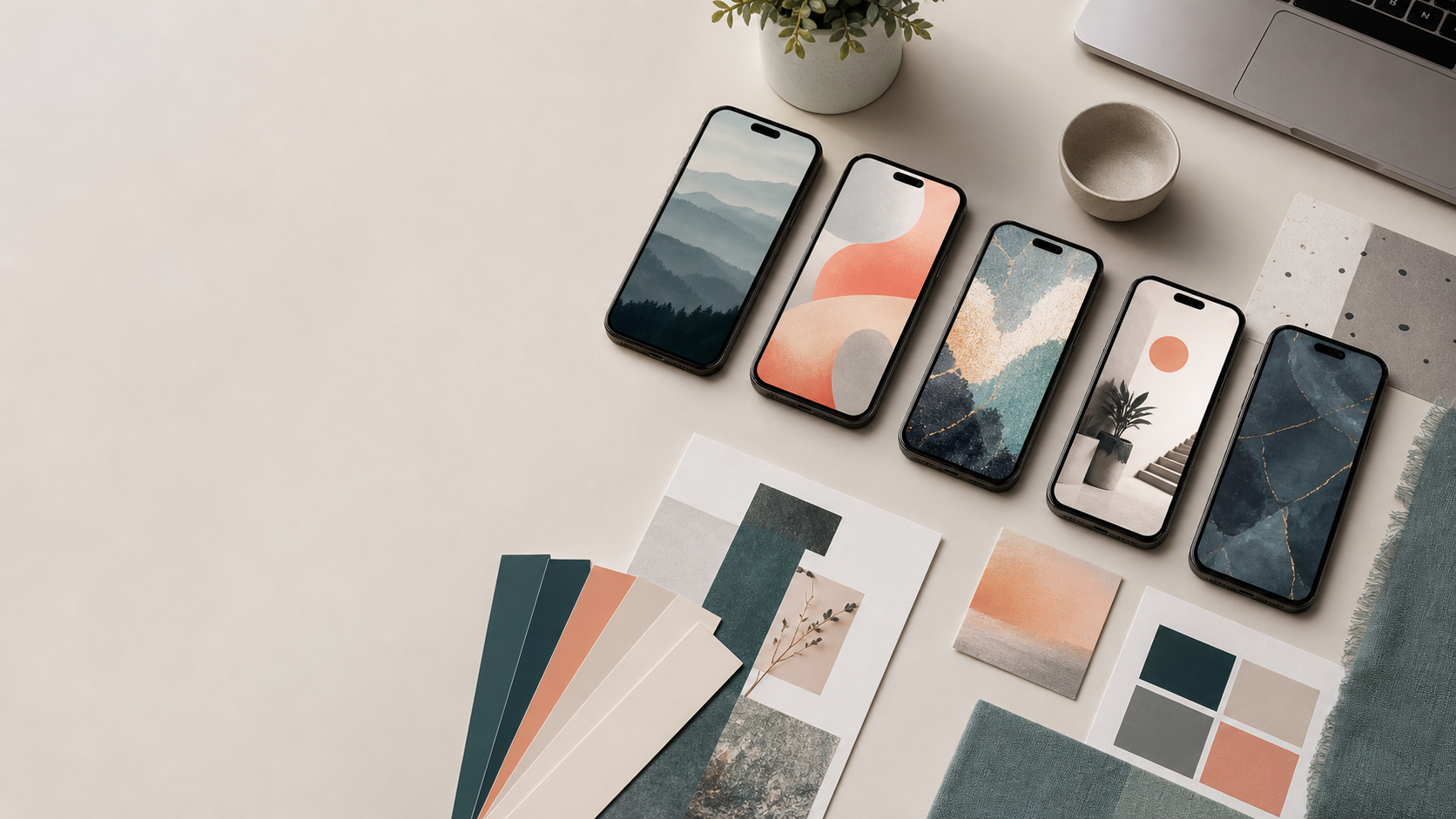
AI Phone Wallpaper Pack: Original Prompt Ideas for Mobile Backgrounds
Last updated: 2026-06-24
Quick Verdict
Use this page as a starting prompt pack for creating original phone wallpapers. It is not a scraped image gallery, and it does not claim to include finished downloadable artwork yet.
The safest first version is simple: choose a style, generate original vertical images, review them for unwanted text or copied characters, then export clean mobile backgrounds.
Best Styles to Start With
| Style | Best for | Prompt direction |
|---|---|---|
| Soft gradient interior | Calm lock screens | Warm light, simple room shapes, no text, vertical composition |
| Minimal sci-fi pattern | Clean home screens | Abstract panels, soft glow, balanced negative space |
| Fantasy landscape | Decorative backgrounds | Original landscape, atmospheric depth, no recognizable characters |
| Cyberpunk city night | High-contrast screens | Neon street scene, original city, clear center space |
| Paper texture abstract | Subtle everyday use | Handmade texture, muted colors, no lettering |
Prompt Pack
Use these as starter prompts, then adjust color, lighting, and composition.
- Original mobile wallpaper, soft gradient interior, calm morning light, clean composition, no text, no logo, no real person, vertical 9:16.
- Original mobile wallpaper, minimal sci-fi pattern, layered panels, subtle glow, balanced negative space, no text, no logo, vertical 9:16.
- Original mobile wallpaper, fantasy landscape at dusk, distant mountains, soft atmosphere, no characters, no text, vertical 9:16.
- Original mobile wallpaper, cyberpunk city night, rain reflections, neon signs without readable text, no real person, vertical 9:16.
- Original mobile wallpaper, paper texture abstract, muted colors, soft shadows, clean center area, no text, vertical 9:16.
How to Make the Pack Usable
Start with a vertical 9:16 composition and keep the center clean enough for clock widgets. Avoid tiny text, logos, celebrity likenesses, copyrighted characters, and realistic private people.
After generation, crop for common phone sizes, check that no accidental lettering appears, and export a lightweight WebP or PNG version. Keep the original prompt beside each image so the style can be recreated later.
Quality Checklist
- The image is original and does not imitate a real person or protected character.
- The composition works behind a lock-screen clock.
- There is no accidental text, watermark, or logo.
- The colors are not too busy behind app icons.
- The image file is compressed enough for quick mobile loading.
Bottom Line
The best first AI phone wallpaper pack should be narrow, clean, and reproducible. Start with a few original styles, keep the prompts visible, and add downloadable files only after the assets are generated and checked.
FAQ
Is this a finished wallpaper download pack?
Not yet. This page is a prompt pack and production checklist for original wallpapers. Finished downloads should only be added after the image files are generated, reviewed, and licensed for use.
What aspect ratio should I use?
Use 9:16 as the starting point. You can crop later for specific phone models, but a vertical composition is the safest default.
Can these prompts be used in different image tools?
Yes, as general prompts. Tool-specific parameters may need adjustment depending on the image generator.
What should I avoid?
Avoid real-person likeness, celebrities, minors, explicit material, copyrighted characters, logos, and readable text inside the image.