Cursor Alternative for Developers: How to Choose
Last updated: 2026-06-27
Quick Verdict
The best Cursor alternative for developers is not simply the tool with the longest feature list. It is the one that fits where your team actually writes, reviews, tests, and ships code.
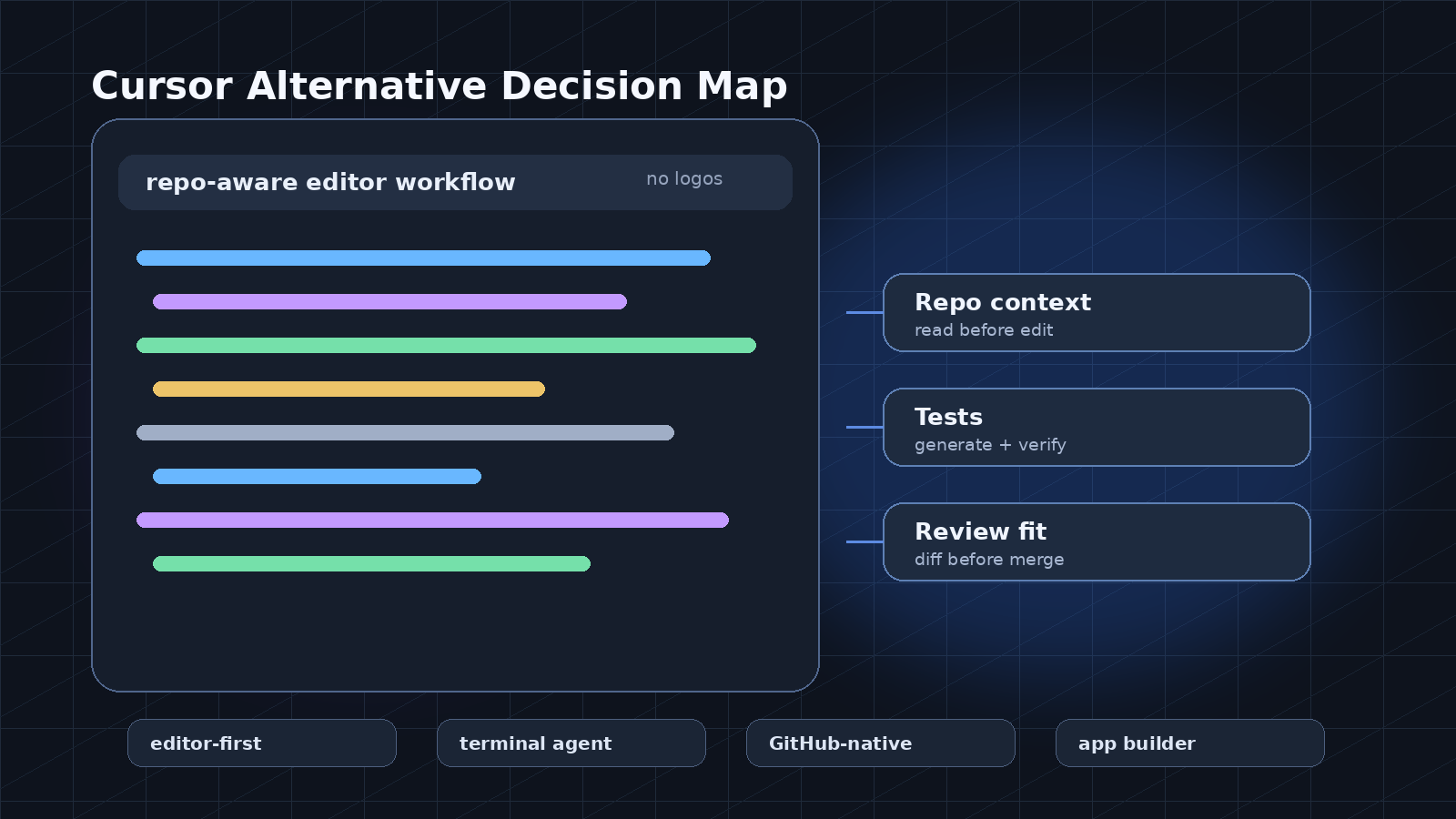
Start with an editor-first assistant if your daily work happens inside a local IDE and you want repo-aware edits without changing your deployment process. Start with a GitHub-native assistant if pull requests, issues, reviews, and repository governance matter more than changing editors. Start with an agentic coding tool if you want to hand off a bounded task, inspect the proposed diff, and keep a human review step. Start with an app builder if the goal is a prototype or internal tool rather than long-term code ownership.
Cursor is often considered because it combines an editor with AI assistance. A serious alternative search should ask a narrower question: do you need better autocomplete, larger repo context, safer refactors, easier team rollout, or stronger review controls?
Best For
| Situation | Better starting point | Why |
|---|---|---|
| You want AI help without changing the team's editor | GitHub-native assistant | Lower workflow disruption and easier adoption across mixed IDE habits |
| You want deep in-editor code changes | AI-first coding editor | The assistant can sit closer to files, terminals, and local context |
| You need help with issues, pull requests, and review notes | Repository-centered assistant | The work connects naturally to branch, diff, and review workflows |
| You need a bounded implementation task | Agentic coding tool | It can attempt a change, but the output still needs review and tests |
| You need a prototype more than maintainable repo structure | AI app builder | Faster first draft, weaker fit for teams that already have architecture rules |
| You are evaluating for a regulated or security-sensitive team | Tool with clear admin controls | Procurement, data handling, and policy settings matter more than novelty |
Side-by-Side Workflow Comparison
| Workflow area | Editor-first alternative | GitHub-native alternative | Agentic coding alternative | App builder alternative |
|---|---|---|---|---|
| Starting point | Local coding session | Repository, issue, or PR | Task prompt with repo access | Product idea or UI prompt |
| Best use | Daily coding and refactoring | Team review and shared repo work | Bounded implementation jobs | Prototype and MVP sketching |
| Repo context | Useful when connected to the current workspace | Strong when work is organized around GitHub | Depends on access and task scope | Often weaker for mature codebases |
| Tests | Can help write and update tests in the editor | Can suggest tests around a PR or diff | Should be required before accepting output | Often needs manual test structure later |
| Code review fit | Good for preparing a clean diff | Stronger when review already happens in GitHub | Needs careful human inspection | Weak unless exported into a normal repo flow |
| Team rollout | May require editor change | Easier for GitHub-heavy teams | Requires policy on what agents may change | Best for small prototypes or non-core apps |
| Main risk | Accepting large edits too quickly | Treating suggestions as reviewed code | Over-trusting generated diffs | Shipping throwaway structure as production code |
The important distinction is where the assistant sees the work. An editor-first alternative can feel faster because it is beside the files. A GitHub-centered option can feel safer because it lives closer to branches, reviews, and shared workflow. Agentic tools are useful only when tasks are small enough to inspect.
How to Choose
Begin with the workflow you are trying to improve. If the pain is typing boilerplate, completing patterns, or navigating unfamiliar code, choose a coding assistant that works inside the editor your developers already use. If the pain is pull request quality, onboarding, or review consistency, prioritize repository workflow over local editor experience.
Then test the tool on three real tasks from your own codebase. A good trial set includes one small feature, one refactor, and one bug fix with tests. Avoid judging the tool only on greenfield demos. The real value appears when the codebase has naming conventions, legacy modules, test helpers, lint rules, and architecture boundaries.
Use this checklist during evaluation:
| Decision criterion | What to check | Strong signal | Weak signal |
|---|---|---|---|
| Repo understanding | Can it follow project structure? | It references existing modules correctly | It invents helpers or imports |
| Test behavior | Can it update tests with the change? | Tests match the expected behavior | Tests only assert implementation details |
| Refactor safety | Can it keep changes small? | Diff is focused and explainable | Diff touches unrelated files |
| Review readiness | Can a teammate inspect it quickly? | Clear diff and rationale | Large opaque changes |
| Team fit | Can it fit current habits? | Low process disruption | Requires a full workflow reset |
| Governance | Can admins set boundaries? | Clear policy and data controls | Ambiguous retention or access behavior |
When not to choose an alternative: do not switch tools only because a demo looks impressive. If the current workflow is already stable and the new assistant introduces editor churn, unclear data handling, or review shortcuts, the change may slow the team down.
Pricing and Plan Checkpoints
Do not compare tools by headline price alone. Coding assistants vary in how they package seats, usage, model access, admin controls, and support. These details change often, so check them at the point of purchase.
| Checkpoint | Why it matters |
|---|---|
| Seat model | Developer tools can become expensive when rolled out across contractors, reviewers, or occasional contributors |
| Usage limits | A plan that works for autocomplete may not work for heavier agentic sessions |
| Model access | Some tools may expose different models or capabilities by plan |
| Admin controls | Teams need policy, billing, access, and offboarding controls |
| Data handling | Codebase access, retention, training, and privacy terms must match your risk tolerance |
| Trial realism | A free or trial tier may not reflect team-scale usage patterns |
A practical procurement test is simple: can you explain who gets access, what code the tool may read, what changes it may write, how reviews happen, and how billing scales if adoption doubles?
Risks and Caveats
The largest risk is not bad autocomplete. It is accepting plausible code without understanding the change. AI coding tools can introduce dependency drift, inconsistent patterns, weak tests, security mistakes, or hidden maintenance cost. The better the assistant feels, the more disciplined the review process needs to be.
Teams should define boundaries. Assistants can draft tests, suggest refactors, and explain unfamiliar modules. Be more cautious with authentication, payments, cryptography, data migrations, production infrastructure, and permission logic.
Another caveat is context. An assistant that performs well in a small repository may struggle in a monorepo, a framework-heavy frontend, or a project with unusual build tooling. Run evaluations against your actual stack, not a sample repo.
Bottom Line
Choose a Cursor alternative by workflow fit, not by hype. If your team wants AI inside daily implementation, test editor-first tools. If your team wants a smoother review and governance path, start with GitHub-centered tooling. If you want task handoff, evaluate agentic tools with strict diff review. If you want a prototype, use an app builder but do not confuse speed with maintainability.
The right tool should make developers faster while keeping the codebase easier to review, test, and own.
FAQ
What is the best Cursor alternative for developers?
There is no single best option for every developer. The best starting point depends on whether you value editor experience, GitHub workflow, agentic task execution, or fast app prototyping.
Are app builders a good Cursor alternative?
They can be a good alternative for prototypes, landing pages, and internal demos. They are usually a weaker fit when the goal is long-term repo ownership, code review, and architecture consistency.
How should developers test a Cursor alternative?
Use real tasks from your own repository: one feature, one bug fix, one refactor, and at least one test update. Judge the diff, not the demo.
What should teams check before buying?
Check data handling, admin controls, seat management, usage limits, model access, and whether the tool fits your existing review process.