Lovable vs Bolt.new: Which AI App Builder Fits Your MVP?
Quick Verdict
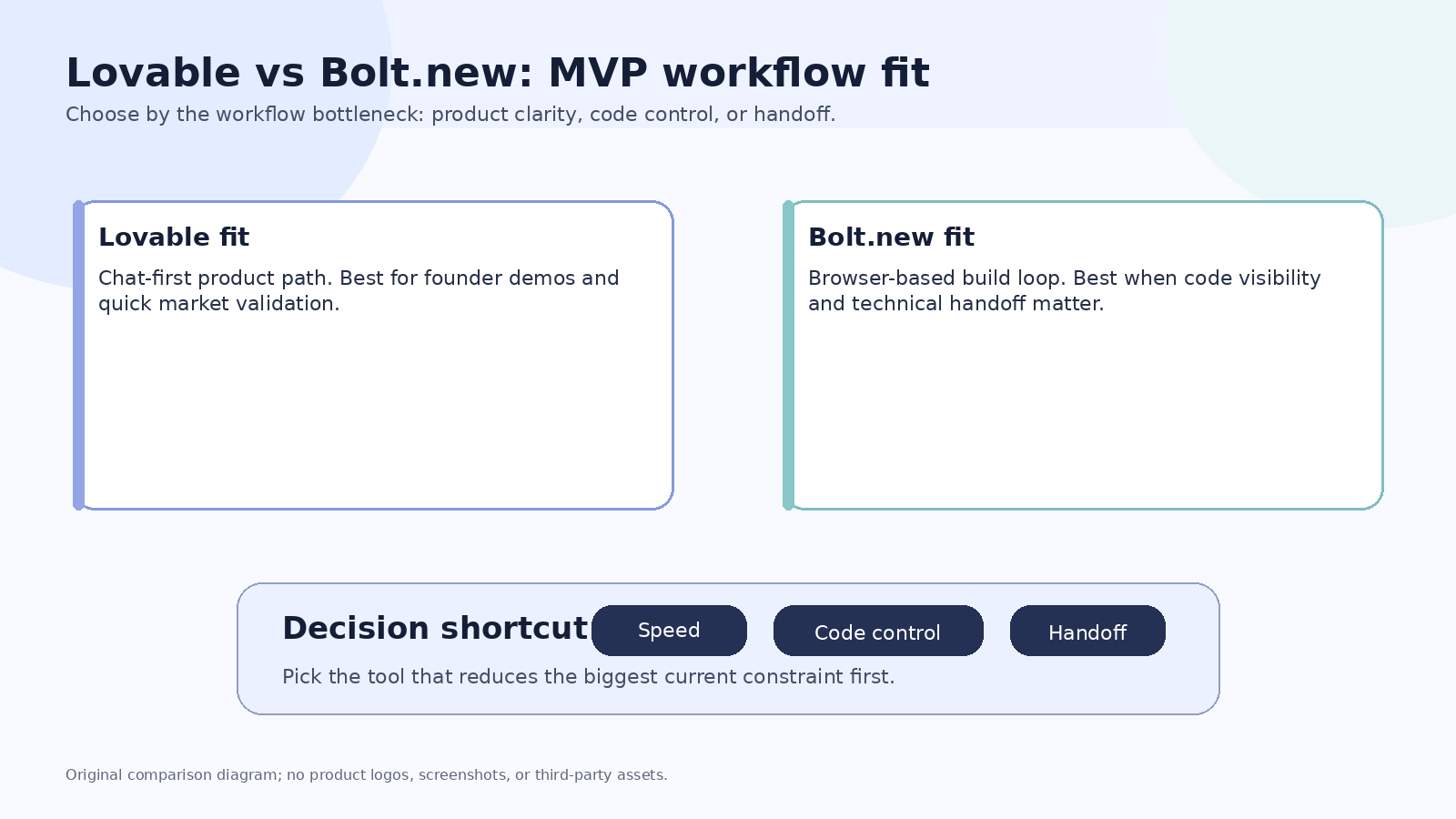
Choose Lovable if your main goal is to turn a product idea into a presentable web app with a chat-first workflow and minimal setup. Choose Bolt.new if you want a browser-based development flow where prompting, running, editing, and deployment sit closer to the code.
This comparison is not about which tool is universally better. It is about which tool removes the biggest bottleneck in your MVP workflow: product shaping, code control, team handoff, or live iteration.
| Decision factor | Lovable is usually stronger when... | Bolt.new is usually stronger when... |
|---|---|---|
| Primary user | A founder, operator, marketer, or solo builder needs a working prototype quickly. | A builder wants prompt generation plus more direct control over the development environment. |
| MVP type | Landing app, simple SaaS mockup, marketplace concept, user portal, basic CRUD-style app. | Full-stack web app experiment, JavaScript-based prototype, browser coding session, deployable demo. |
| Workflow preference | You want to describe outcomes and iterate conversationally. | You want to prompt, inspect, run, edit, and continue shaping the code. |
| Code comfort | Low to moderate. | Moderate to high, though non-developers can still start with prompts. |
| Handoff | Good when the prototype is mainly for validation. | Better when an engineer may need to inspect or continue the implementation. |
| Main risk | Treating a prototype as production software too early. | Spending too much time fixing implementation details before validating demand. |
What Lovable is best for
Lovable fits the buyer who searches for “AI app builder” because they want the shortest path from idea to something they can show. The practical strength is not only generation speed; it is the way the workflow keeps the builder focused on product language instead of setup details.
Use Lovable when your MVP question sounds like this:
- Can customers understand this concept?
- Can I demo this workflow to a prospect?
- Can I validate a portal, dashboard, or lightweight SaaS idea?
- Can I move from written spec to visible app without hiring engineering first?
Lovable is a better fit when the prototype is still a product discovery artifact. You should still review authentication, data handling, user permissions, payment claims, and production readiness before using it with real customer data.
What Bolt.new is best for
Bolt.new fits builders who want AI generation inside a more development-oriented browser workflow. The value is not just “prompt to app.” The value is that you can stay closer to the working project while the AI helps generate, revise, run, and deploy.
Use Bolt.new when your MVP question sounds like this:
- Can this app idea work technically in a real browser environment?
- Can I inspect the generated structure and keep editing it?
- Can I build a demo that an engineer can reason about later?
- Can I keep the development loop inside one browser-based workspace?
Bolt.new may be the better choice if you are comfortable reviewing code or working with someone who is. The more you care about implementation structure, the more the browser development workflow matters.
The most important difference
The practical difference is product-first generation vs development-loop generation.
Lovable tends to feel stronger when the MVP is mainly a product artifact: a clickable product concept, a founder demo, a portal, or a simple web app that helps test market response.
Bolt.new tends to feel stronger when the MVP is also a technical artifact: a running project that needs code visibility, incremental editing, and a handoff path closer to development.
| Scenario | Better starting point | Why |
|---|---|---|
| A non-technical founder wants a SaaS demo for investor or customer calls. | Lovable | The workflow keeps attention on product intent and visible outcomes. |
| A product manager wants a prototype before talking to engineering. | Lovable | It can help turn a spec into something easier to critique. |
| A technical founder wants to generate and inspect a web app in the browser. | Bolt.new | The environment is closer to the build loop. |
| A developer wants AI help while keeping control of the project shape. | Bolt.new | Code visibility and iteration matter more than pure no-code simplicity. |
| A team wants a polished UI concept for handoff. | Consider v0 | A UI-first builder may be better than either option. See Lovable vs v0. |
| A company needs an internal tool connected to business data. | Consider Retool | Governance and data access may matter more than fast prototype generation. See Retool vs Lovable. |
Choose Lovable if your constraint is product clarity
Lovable is attractive when you have a clear user problem but do not yet have a clear interface, app structure, or technical plan. The tool can help collapse the distance between “I have an idea” and “I can show this to someone.”
The best use is not to ask it for a vague app and accept the first output. The better workflow is:
1. Write the target user and job to be done. 2. Define the main user flow in plain language. 3. State what the app should not do. 4. Generate a first version. 5. Test the flow with a real person. 6. Iterate only on the friction that blocks understanding.
That keeps the MVP from becoming a design toy. The goal is validation, not endless reshaping.
Choose Bolt.new if your constraint is implementation control
Bolt.new is more attractive when the output needs to behave like a project you can continue shaping. If you expect to inspect files, adjust logic, run the app, or get help from a developer later, the development loop matters.
A stronger Bolt.new workflow is:
1. Start with a narrow technical scope. 2. Ask for the first working slice, not the full product. 3. Review the structure before adding features. 4. Fix errors before expanding scope. 5. Keep the demo focused on one validated workflow. 6. Export or hand off only after the core path works.
This is especially useful for technical founders and semi-technical operators who do not want to leave everything inside a black-box generation flow.
Do not choose based only on pricing pages
Pricing, plan names, credits, usage limits, and deployment details can change quickly in AI app builder products. Use pricing as a final filter, not the first filter.
Before paying, check:
- Does the plan allow the workflow you actually need?
- Are generated projects easy enough to revise?
- Can you export, deploy, or hand off the work in the way your team expects?
- Are team controls, privacy settings, and data rules acceptable for your use case?
- Is the first generated version close enough to reduce real work?
Common mistake: building too much before testing
Both tools can make it easy to create more screens than you need. That is dangerous for MVP work. A large AI-generated app can feel impressive while still failing to answer the only question that matters: does the target user care?
For a first MVP, keep the scope narrow:
| MVP goal | Keep | Cut |
|---|---|---|
| Validate demand | Landing flow, core action, contact or waitlist path | Full settings, complex roles, advanced dashboards |
| Demo workflow | One primary user journey | Multi-user edge cases |
| Test technical feasibility | One integration or data path | Full production architecture |
| Get stakeholder feedback | Clear screens and sample states | Long onboarding, decorative animation |
Final recommendation
Start with Lovable if the MVP is mainly a product validation artifact and you want the shortest path from idea to visible app. Start with Bolt.new if the MVP needs a browser development loop, code visibility, and a more technical continuation path.
If neither description fits, compare alternatives before committing. For a broader replacement map, see the best Lovable alternatives, Bolt.new alternatives, and best AI app builder for MVPs.